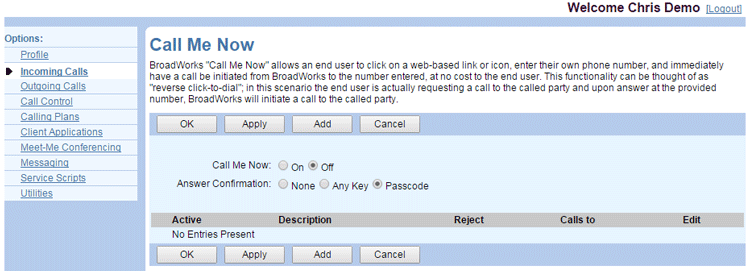
Call Me Now is a “reverse click-to-dial” service. Someone can call you by clicking on a link and entering their own phone number on a web page. This immediately initiates a call to the caller’s number. When the caller answers that call, it initiates a call to you.
NOTE: This service requires additional provisioning for full functionality. Contact your administrator for assistance.
To view your current Call Me Now settings:
- Log in to ucx.telepacific.com.
- Click Incoming Calls on the left-hand menu.
- On the Incoming Calls page, click the Call Me Now link in the Advanced column.
- The Call Me Now page opens.